
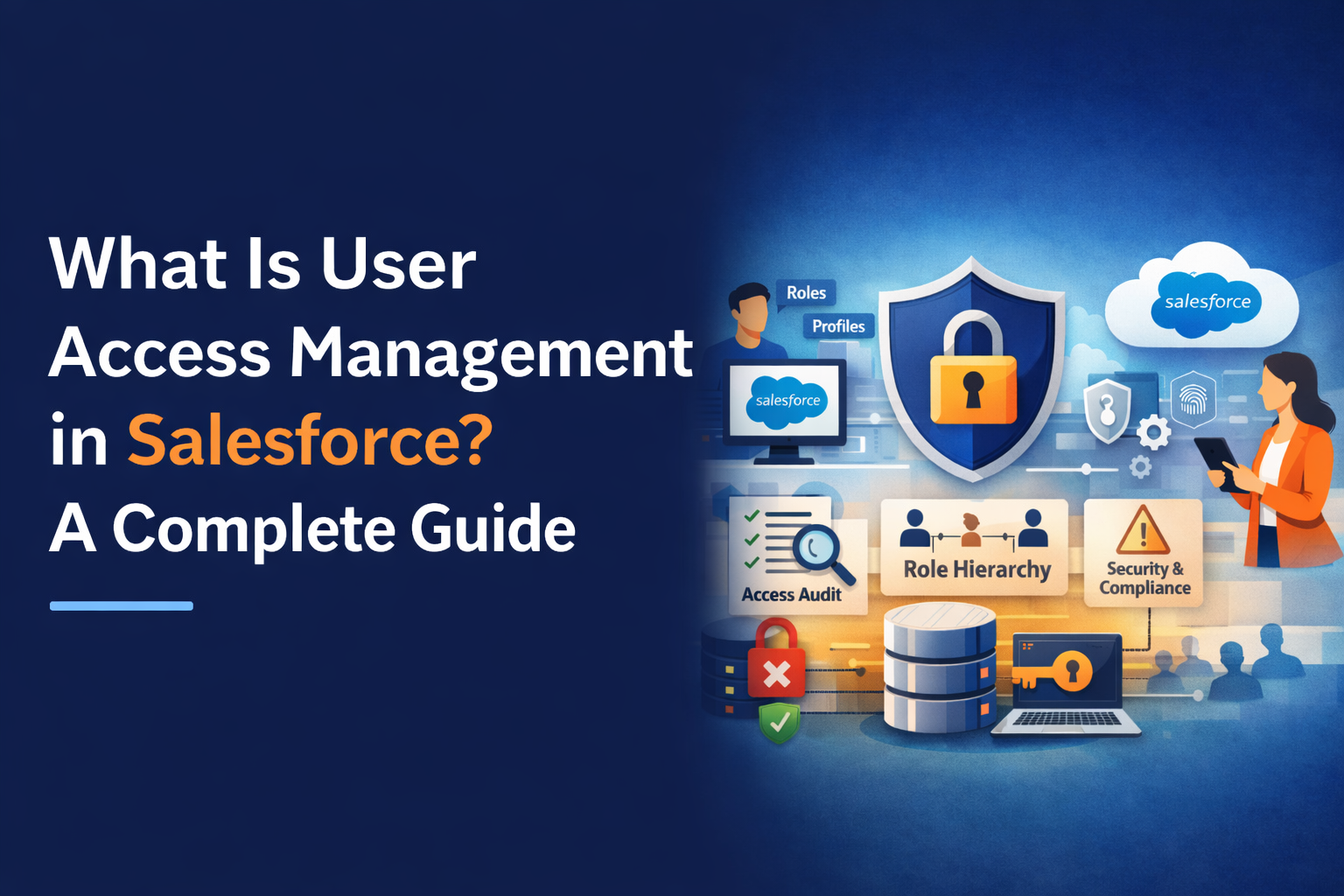
Salesforce sits at the center of critical business operations from sales pipelines and customer data to service workflows and analytics. As organizations scale, the challenge isn’t just using Salesforce effectively; it’s ensuring the right people have the right access at the right time. Poor access control can quietly expose sensitive data, disrupt operations, and create compliance risks.
This is where user access management in Salesforce becomes essential. More than a security feature, it’s a governance discipline that directly impacts data protection, user productivity, and audit readiness. When implemented as part of broader Salesforce Implementation Services, access management lays the foundation for secure, scalable CRM operations.
This guide explains how Salesforce user access management works, common pitfalls, and best practices enterprises should follow to prevent unauthorized access in Salesforce.
Understanding User Access Management in Salesforce
At its core, Salesforce user access management defines what users can see, edit, or perform within the platform. Unlike simple login-based systems, Salesforce uses layered controls that combine role hierarchy, profiles, permission sets, and sharing rules.
These layers allow organizations to model real-world responsibilities. A sales representative doesn’t need the same access as a finance manager or system administrator. Proper access management ensures users can do their jobs without overexposing data or system capabilities.
Many organizations struggle because access is often configured quickly during early deployments and never revisited as teams grow. Over time, this creates permission sprawl , one of the biggest security risks in Salesforce environments.
How User Access Management Works in Salesforce
Salesforce access control operates through multiple interconnected components, each serving a specific purpose.
Profiles define a baseline level of access, including object permissions, field visibility, and system settings. They establish what a user can do at a minimum. Permission sets then extend access without modifying the profile, allowing more granular and flexible control.
Role hierarchy determines record visibility. Users higher in the hierarchy typically gain access to records owned by those below them, which is useful for management oversight but risky if not designed carefully.
Sharing rules and manual sharing override default access when collaboration is required across teams. Combined, these mechanisms form the backbone of Salesforce user access management.
A common mistake is overloading profiles with exceptions instead of using permission sets. Modern Salesforce access management guide recommendations emphasize keeping profiles simple and using permission sets for incremental access.
Why Poor Access Management Creates Business Risk
Mismanaged access isn’t just an IT issue , it’s a business liability. Excessive permissions can expose customer data, financial records, or confidential forecasts to the wrong users.
In regulated industries, this can lead to audit failures or compliance violations. In fast-growing companies, it often causes operational confusion, with users seeing objects or fields irrelevant to their roles.
One real-world example involves a mid-sized services firm where former contractors retained active permissions months after leaving. During a routine audit, the company discovered external access to internal dashboards – a situation that could have been avoided with structured access reviews.
Preventing unauthorized access in Salesforce requires proactive governance, not reactive cleanup.
Salesforce User Access Management Best Practices
Effective access management isn’t about locking everything down , it’s about balance. Organizations that do this well follow a few proven principles.
They design access around job roles rather than individuals. They avoid granting broad administrative rights unless absolutely necessary. Regular access reviews are scheduled, especially after role changes or organizational restructuring.
Another best practice is separating duties. For example, users who configure workflows should not be the same users who approve production changes. This reduces both error risk and compliance exposure.
Enterprises that adopt these Salesforce user access management best practices often report fewer security incidents and smoother audits, simply because permissions are intentional and documented.
Scaling Access Management for Growing Organizations
As Salesforce usage expands across departments, regions, or multiple orgs, access management becomes more complex. Manual permission handling no longer scales.
This is where process and tooling matter. Many organizations introduce access request workflows, approval checkpoints, and periodic audits to maintain control. Some integrate Salesforce with identity providers to automate provisioning and deprovisioning.
In the middle of this journey, businesses often turn to Salesforce consulting services to redesign access models, clean up legacy permissions, and align security with business processes. External expertise helps uncover hidden risks that internal teams may overlook due to familiarity or time constraints.
Also Read – Why Most Salesforce Implementations Fail at the Requirements Stage
Common Access Management Mistakes to Avoid
Despite Salesforce’s flexibility, certain mistakes appear repeatedly across implementations.
One is assigning too many users the System Administrator profile for convenience. Another is copying profiles endlessly to handle exceptions, which leads to fragmentation and confusion.
Organizations also underestimate the importance of documentation. Without clear records of why access was granted, audits become difficult and risky decisions get repeated.
Avoiding these pitfalls requires discipline and ongoing governance not just initial configuration.
How Access Management Supports Compliance and Trust
Strong user access management in Salesforce directly supports compliance requirements such as GDPR, SOX, HIPAA, or industry-specific regulations. Auditors care about who accessed what data, when, and why.
When access is well-structured, producing this evidence is straightforward. When it isn’t, teams scramble to reconstruct history from logs and assumptions.
Beyond compliance, access control builds internal trust. Teams are more confident using Salesforce when they know sensitive data is protected and responsibilities are clearly defined.
Conclusion: Access Management Is a Strategic Capability
User access management in Salesforce is not a one-time setup , it’s an ongoing strategy that evolves with the business. Organizations that treat it as a core governance function are better positioned to scale securely, pass audits confidently, and reduce internal risk.
By understanding how user access management works in Salesforce and applying best practices consistently, businesses can prevent unauthorized access in Salesforce while maintaining productivity.
Partnering with a Certified Salesforce Implementation Partner helps organizations design access models that align security, compliance, and usability from day one. When access management is done right, Salesforce becomes not just powerful but trusted.