
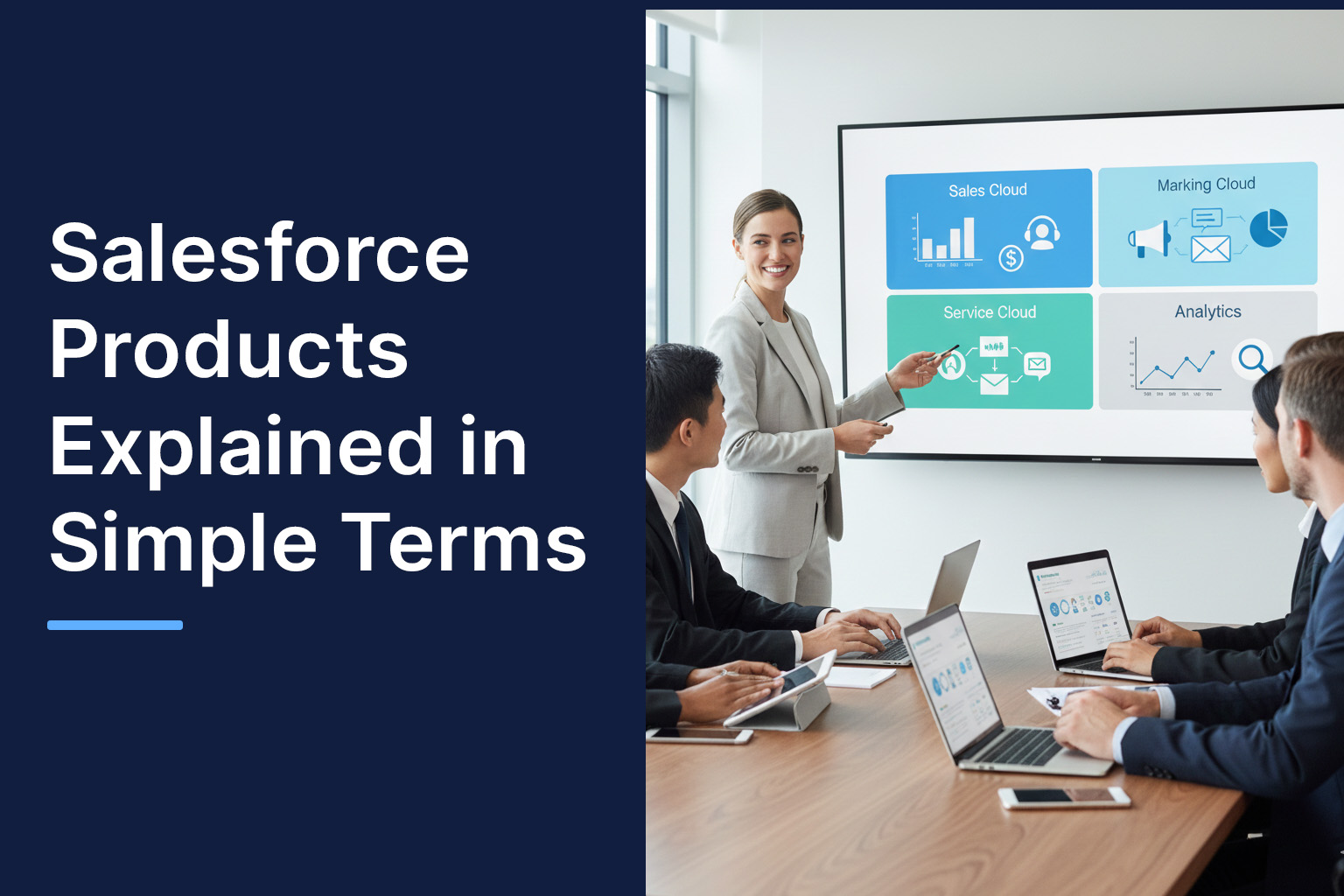
If you’ve ever searched for Salesforce and felt overwhelmed by terms like Cloud, CRM, or Einstein, you’re not alone. Many business leaders know Salesforce is powerful, but understanding what it actually offers-and which products matter to their business-can feel confusing at first.
This guide breaks down Salesforce products in plain language. No jargon. No sales talk. Just a clear, step-by-step explanation to help you understand what Salesforce does, how its products work together, and where each one fits in real business scenarios. If you’re looking for a beginner guide to Salesforce products, you’re in the right place.
What Are Salesforce Products?
At its core, Salesforce is a customer relationship management (CRM) platform. But instead of being a single tool, it’s an ecosystem of cloud-based products designed to help businesses manage sales, customer service, marketing, analytics, and more.
So when people ask, “What are Salesforce products?”, the simplest answer is this:
Salesforce products are specialized tools that help businesses manage customer data, automate processes, and improve customer relationships across departments.
Each product focuses on a specific business function, but they all share the same data foundation. That means your sales team, support team, and marketing team can work from the same customer information instead of using disconnected systems.
Salesforce Products List
Let’s walk through the most commonly used Salesforce products and what they do, using everyday examples.
Sales Cloud – Managing Sales Without Spreadsheets
Sales Cloud is where most companies start. It helps sales teams track leads, manage deals, and forecast revenue.
Simple explanation:
Sales Cloud replaces spreadsheets, emails, and sticky notes with a single system that shows who your customers are, what stage each deal is in, and what actions are needed next.
Real example:
A B2B software company uses Sales Cloud to track every lead from the first inquiry to the signed contract. Managers can instantly see which deals are stuck and which sales reps need support.
Service Cloud – Better Customer Support, Less Chaos
Service Cloud is built for customer support teams handling tickets, calls, chats, or emails.
Simple explanation:
Service Cloud helps support teams respond faster by keeping all customer issues, history, and communication in one place.
Real example:
An eCommerce business uses Service Cloud to manage customer complaints across email and live chat. Support agents see past orders and issues instantly, reducing response time and repeat questions.
Marketing Cloud – Smarter Marketing, Not More Noise
Marketing Cloud focuses on customer engagement through email, SMS, social media, and personalized journeys.
Simple explanation:
Marketing Cloud helps businesses send the right message to the right customer at the right time.
Real example:
A retail brand sends personalized offers based on customer purchase history instead of blasting the same promotion to everyone.
Commerce Cloud – Powering Online Sales Experiences
Commerce Cloud supports online storefronts for both B2B and B2C businesses.
Simple explanation:
Commerce Cloud helps companies sell products online while personalizing the shopping experience.
Real example:
A manufacturing company uses Commerce Cloud to let distributors log in, see contract pricing, and place bulk orders without manual intervention.
Experience Cloud – One Platform for Portals and Communities
Experience Cloud is used to build portals for customers, partners, or employees.
Simple explanation:
Experience Cloud allows businesses to create secure online spaces where users can access information, submit requests, or collaborate.
Real example:
A logistics company builds a partner portal where vendors track shipments, invoices, and service requests in real time.
Data Cloud – Turning Data Into a Single Customer View
Data Cloud connects customer data from multiple systems into one unified profile.
Simple explanation:
Data Cloud helps businesses understand customers by combining data from sales, marketing, service, and external sources.
Real example:
A global enterprise uses Data Cloud to connect website behavior, CRM data, and support history into a single customer view for better decision-making.
Einstein AI – Intelligence Built Into Salesforce
Einstein AI adds predictive insights and automation across Salesforce products.
Simple explanation:
Einstein helps teams work smarter by predicting outcomes and suggesting next best actions.
Real example:
Sales reps receive AI-based suggestions on which leads are most likely to convert, helping them prioritize their efforts.
Understanding Salesforce Products Step by Step
If you’re new to Salesforce, it helps to think of adoption in stages:
- Start with Sales Cloud or Service Cloud to centralize customer data
- Add Marketing or Experience Cloud as customer engagement grows
- Use Data Cloud and Einstein once data volume and complexity increase
This step-by-step approach avoids overcomplication and ensures each product delivers value before moving to the next.
How Salesforce Products Work Together
One of Salesforce’s biggest strengths is integration. When products share data, teams work faster and make better decisions.
For example:
- Sales teams close deals in Sales Cloud
- Support teams handle onboarding in Service Cloud
- Marketing teams nurture customers using Marketing Cloud
All of this happens without data duplication or manual updates.
When Do Businesses Need Customization?
While Salesforce products are powerful out of the box, every business operates differently. This is where Salesforce Consulting Services come into play-helping organizations customize workflows, build integrations, and adapt Salesforce to specific business needs.
Similarly, Salesforce Implementation services are often required during initial setup to ensure the platform aligns with business processes, user roles, and data structures from day one.
Conclusion: Choosing the Right Salesforce Products
Salesforce can feel complex at first, but when explained simply, its structure is logical and flexible. This guide covered the Salesforce products list, answered what are Salesforce products, and offered a simple explanation of Salesforce products for beginners.
The key takeaway is this:
Salesforce isn’t about using every product-it’s about choosing the right combination based on your business goals and growing step by step.
With the right foundation, businesses can use Salesforce to improve visibility, collaboration, and customer experience-without unnecessary complexity.
 MCP Server