
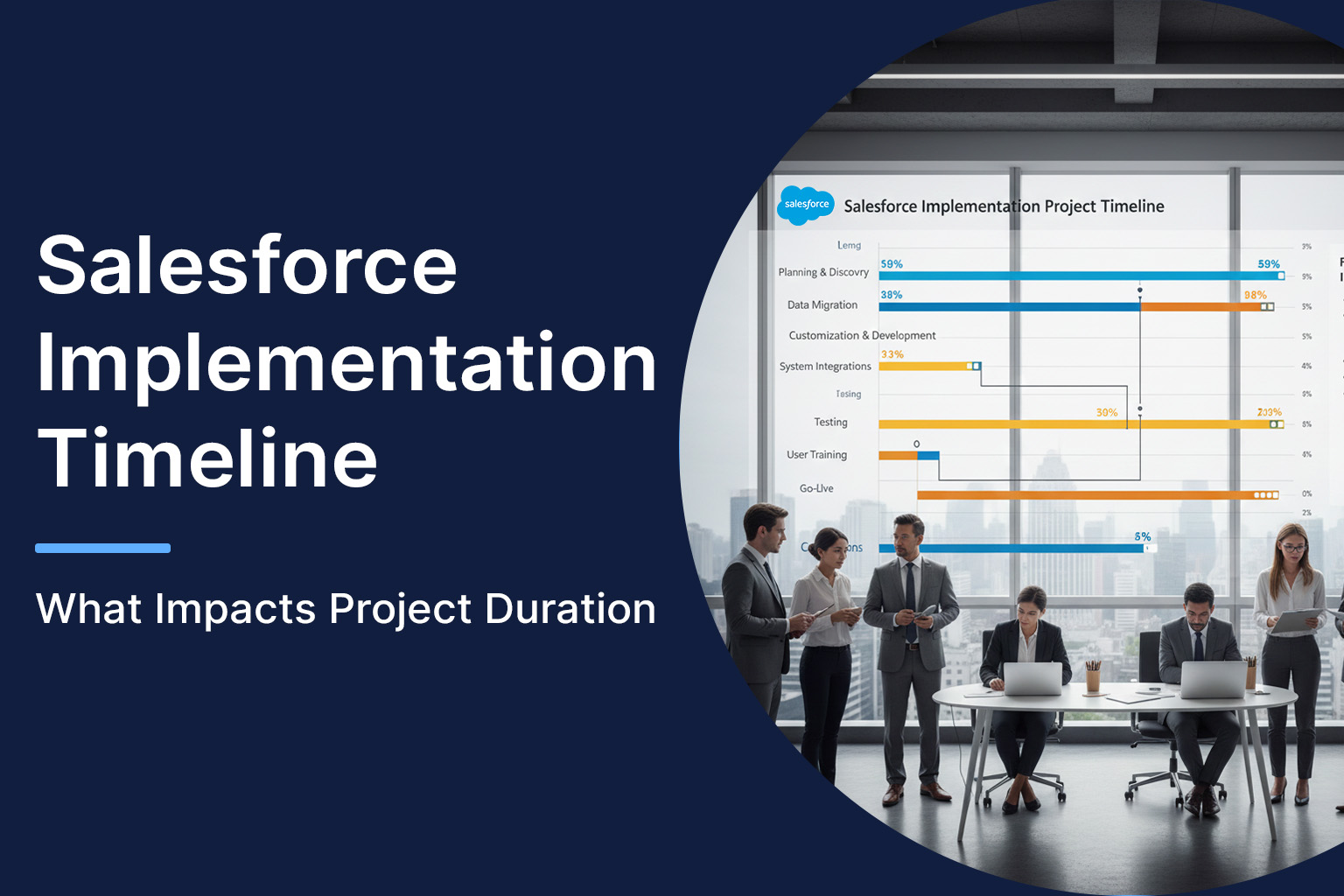
When organizations invest in Salesforce, one of the first questions stakeholders ask is simple but critical: how long will implementation actually take? The answer, however, is rarely straightforward. A Salesforce rollout isn’t a single task-it’s a sequence of planning, configuration, integration, testing, and adoption activities that together define the Salesforce implementation timeline.
For business leaders, understanding this timeline upfront helps set realistic expectations, control costs, and avoid rushed decisions that compromise long-term value. In this guide, we break down the Salesforce implementation process, explain the average Salesforce implementation timeline, and explore the key factors that influence project duration-based on how successful projects are actually delivered in the field.
Understanding the Salesforce Implementation Timeline
At its core, a Salesforce implementation timeline represents the total time required to move from initial discovery to a stable, user-adopted go-live. Depending on scope, the Salesforce implementation duration can range from a few weeks to several months.
Most implementations fall into one of three broad categories:
- Small deployments (basic Sales Cloud, limited users): 4–8 weeks
- Mid-size implementations (multiple teams, integrations): 8–16 weeks
- Enterprise rollouts (multi-cloud, complex data, compliance): 4–9+ months
These ranges are indicative, not guarantees. What ultimately determines the timeline is how complex your business reality is compared to Salesforce’s standard capabilities.
Key Phases in the Salesforce Implementation Process
1. Discovery and Requirement Mapping
This phase defines success. Teams identify business goals, current pain points, reporting needs, and user roles. Poor discovery is the most common reason timelines stretch later.
Tip: Organizations that rush this phase often pay for it during rework and user dissatisfaction.
2. Configuration and Customization
Salesforce is designed to be configured before it’s customized. Configuration uses native features like workflows, validation rules, and page layouts. Customization introduces Apex, Lightning components, or complex logic.
Customization significantly impacts the Salesforce CRM implementation, especially when business processes aren’t standardized internally.
3. Data Migration and Integration
Migrating data from legacy CRMs, spreadsheets, or ERPs is often underestimated. Data cleansing, mapping, and validation add time-especially when historical data quality is poor.
Integrations with marketing tools, finance systems, or support platforms further extend timelines.
4. Testing and User Acceptance
This phase validates real-world usage. Functional testing, security validation, and user acceptance testing ensure the system works as intended before go-live.
Skipping or shortening this stage is one of the fastest ways to derail adoption.
5. Training, Go-Live, and Stabilization
Even a technically perfect implementation fails without user readiness. Training, documentation, and post-go-live support define how smoothly teams transition.
Factors Affecting Salesforce Implementation Timeline
Understanding the factors affecting Salesforce implementation timeline helps organizations avoid unrealistic delivery targets.
Scope and Business Complexity
The more departments, regions, or workflows involved, the longer the timeline. A single sales team rollout is vastly different from a multi-cloud enterprise deployment.
Customization vs Configuration
Heavy customization adds development, testing, and maintenance time. Organizations that align processes to Salesforce standards move faster.
Data Quality
Messy data extends migration timelines. Cleansing often takes longer than the actual migration.
Integration Requirements
Each external system introduces dependency risks, testing cycles, and coordination delays.
Decision-Making Speed
Slow approvals, unclear ownership, or changing priorities can quietly add weeks to a project.
Real-World Timeline Example
A mid-market SaaS company migrating from a legacy CRM to Salesforce Sales Cloud planned an 8-week rollout. Initial discovery revealed inconsistent sales stages across regions and poor data hygiene.
After standardizing processes and cleansing data early, the project was completed in 11 weeks-slightly longer than planned, but with higher adoption and no post-go-live rework. The lesson: timeline extensions driven by quality decisions often save time later.
How to Reduce Salesforce Implementation Duration Without Risk
Reducing the Salesforce implementation timeline doesn’t mean cutting corners. The real challenge is delivering faster while preserving data integrity, user adoption, and long-term scalability. Projects that move quickly without structure often face rework, delays, and low confidence after go-live. A disciplined approach helps organizations accelerate delivery without introducing operational risk. The focus should always be on smarter execution—not rushed decisions.
- Lock requirements before build begins
Finalizing business processes and success metrics early prevents mid-project scope changes that extend the Salesforce implementation duration. - Prioritize configuration over customization
Using standard Salesforce capabilities speeds up delivery and keeps the Salesforce implementation process stable and predictable. - Prepare and cleanse data early
Early data validation reduces migration issues that commonly delay testing and go-live phases. - Adopt phased rollouts instead of big-bang launches
Phased releases enable faster go-live while minimizing risk and protecting the Salesforce CRM implementation timeline.
Conclusion
There’s no universal answer to how long Salesforce implementation takes. The average Salesforce implementation timeline depends on scope, data, integrations, and decision discipline. Organizations that treat implementation as a strategic transformation-not just a technical project-achieve faster, more sustainable outcomes.
By following a structured Salesforce implementation process and leveraging the best Salesforce Implementation Services, businesses can shorten delivery timelines while protecting ROI and user adoption. The goal isn’t to go live quickly-it’s to go live right.
Also Read: Salesforce Implementation Guide
 MCP Server