
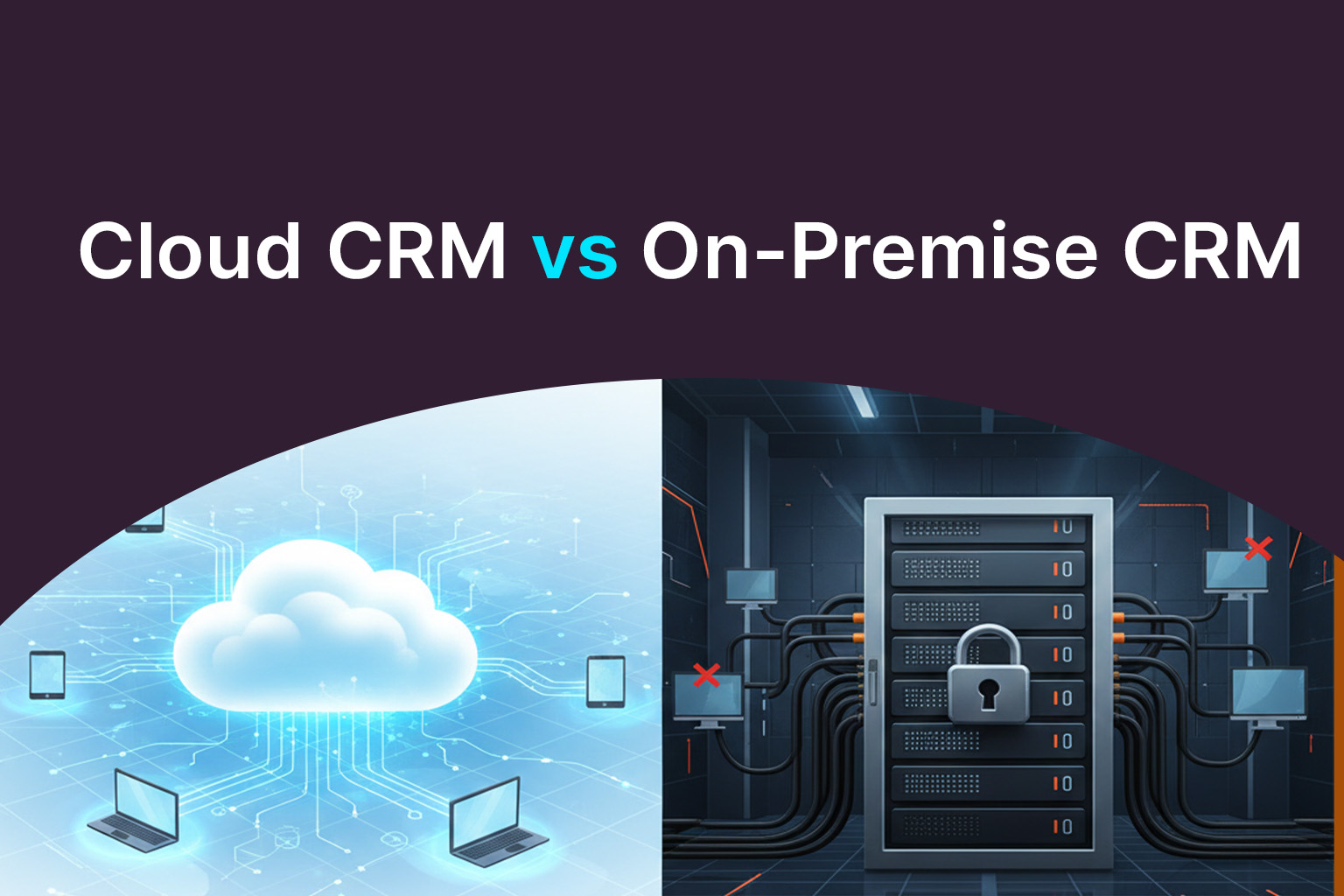
Customer relationship management systems sit at the center of modern sales, marketing, and customer service operations. But one decision still creates confusion for many organizations: should you choose a cloud-based CRM or stick with an on-premise system?
The debate around Cloud CRM vs On-Premise CRM isn’t about which option is universally better. It’s about understanding how each model fits your business size, security needs, budget, and long-term growth plans. This guide breaks down the real differences, practical trade-offs, and use cases-without marketing hype or oversimplified claims.
Understanding the Core Difference Between Cloud CRM and On-Premise CRM
At the highest level, the difference between cloud CRM and on premise CRM comes down to where the software lives and who manages it.
- Cloud CRM is hosted by the vendor and accessed through the internet.
- On-premise CRM systems are installed on your own servers and managed internally.
That one distinction affects everything else-from cost structure to scalability and maintenance.
What Is Cloud CRM?
Cloud CRM (often called SaaS CRM) is delivered via a subscription model. The vendor handles hosting, updates, security patches, and infrastructure.
Key Cloud CRM Advantages
- Lower upfront costs
No servers, no hardware procurement, and no heavy installation fees. - Faster deployment
Many teams go live in weeks instead of months. - Scalability on demand
Adding users, storage, or features is usually straightforward. - Automatic updates
New features and security improvements roll out without downtime.
This is why Cloud CRM vs traditional CRM comparisons often favor cloud solutions for growing businesses and digital-first teams.
Real-world insight:
A mid-sized SaaS company switched from an aging on-premise tool to cloud CRM and reduced system downtime by over 60% within the first year, simply because maintenance was no longer an internal burden.
What Is an On-Premise CRM System?
An on premise CRM system is installed and run on a company’s own servers. IT teams control configuration, security, and upgrades.
On Premise CRM Advantages
- Full data control
Ideal for organizations with strict regulatory or data residency requirements. - Deep customization
Easier to tailor complex workflows tied to legacy systems. - Offline access (in some cases)
Certain setups allow limited functionality without internet access.
However, these benefits come with responsibility. On premise CRM deployment requires skilled IT resources, regular maintenance, and ongoing infrastructure investment.
Cloud CRM vs On Premise CRM: A Practical Comparison
| Factor | Cloud CRM | On-Premise CRM |
|---|---|---|
| Deployment speed | Fast | Slow |
| Upfront cost | Low | High |
| Ongoing maintenance | Vendor-managed | In-house |
| Scalability | Easy | Limited |
| Customization depth | Moderate to high | Very high |
| Data control | Shared responsibility | Full control |
This table highlights why there is no single “winner.” The right choice depends on operational priorities.
Security and Compliance: A Common Misconception
Security is often cited as a reason to avoid cloud CRM, but this assumption is outdated.
- Leading cloud vendors invest heavily in encryption, audits, and compliance certifications.
- On-premise systems are only as secure as the internal processes managing them.
In practice, many breaches occur due to misconfiguration or delayed patching—issues that cloud platforms typically handle automatically.
Cost Considerations Beyond Licensing
When comparing Cloud CRM vs on premise CRM, many teams focus only on license fees. That’s a mistake.
Cloud CRM costs include:
- Subscription fees
- Customization and integration work
On-premise costs include:
- Servers and infrastructure
- IT staffing
- Upgrade and downtime costs
- Backup and disaster recovery planning
Over five years, cloud CRM often delivers a lower total cost of ownership, especially for businesses without large IT teams.
Which CRM Model Fits Different Business Types?
Cloud CRM Is Often Best For:
- Startups and SMBs
- Remote or hybrid teams
- Companies prioritizing speed and flexibility
On-Premise CRM Works Better For:
- Large enterprises with complex legacy systems
- Highly regulated industries
- Organizations with strong internal IT capabilities
This evaluation is key to choosing the best CRM deployment model for business goals rather than following industry trends blindly.
The Role of Implementation and Custom Development
Regardless of the model, success depends on how well the CRM is implemented-not just which one you choose.
Many organizations underestimate the value of structured Salesforce Implementation Services, especially when migrating from legacy systems or customizing workflows. Similarly, tailored Salesforce development services help align CRM functionality with real-world sales and service processes instead of forcing teams to adapt to rigid templates.
A CRM that fits daily operations always outperforms a technically “better” system that users avoid.
Common Mistakes to Avoid When Choosing a CRM Model
- Choosing on-premise “for security” without evaluating internal capabilities
- Selecting cloud CRM without planning integrations
- Ignoring user adoption and training
- Focusing on features instead of workflows
Avoiding these mistakes often matters more than the deployment model itself.
Conclusion: Making the Right CRM Decision
The Cloud CRM vs On-Premise CRM debate isn’t about technology alone-it’s about alignment. Cloud CRM offers speed, scalability, and lower operational overhead, while on-premise systems provide greater control and deep customization for complex environments.
Understanding the real difference between cloud CRM and on premise CRM, along with clear business priorities, leads to better long-term outcomes. When this clarity is paired with thoughtful execution-such as structured CRM development services, ongoing optimization, and the right development support-either model can become a reliable foundation for customer growth.
Ultimately, the best CRM deployment model for business success is the one that supports users, adapts to change, and grows alongside your organization.
 MCP Server